
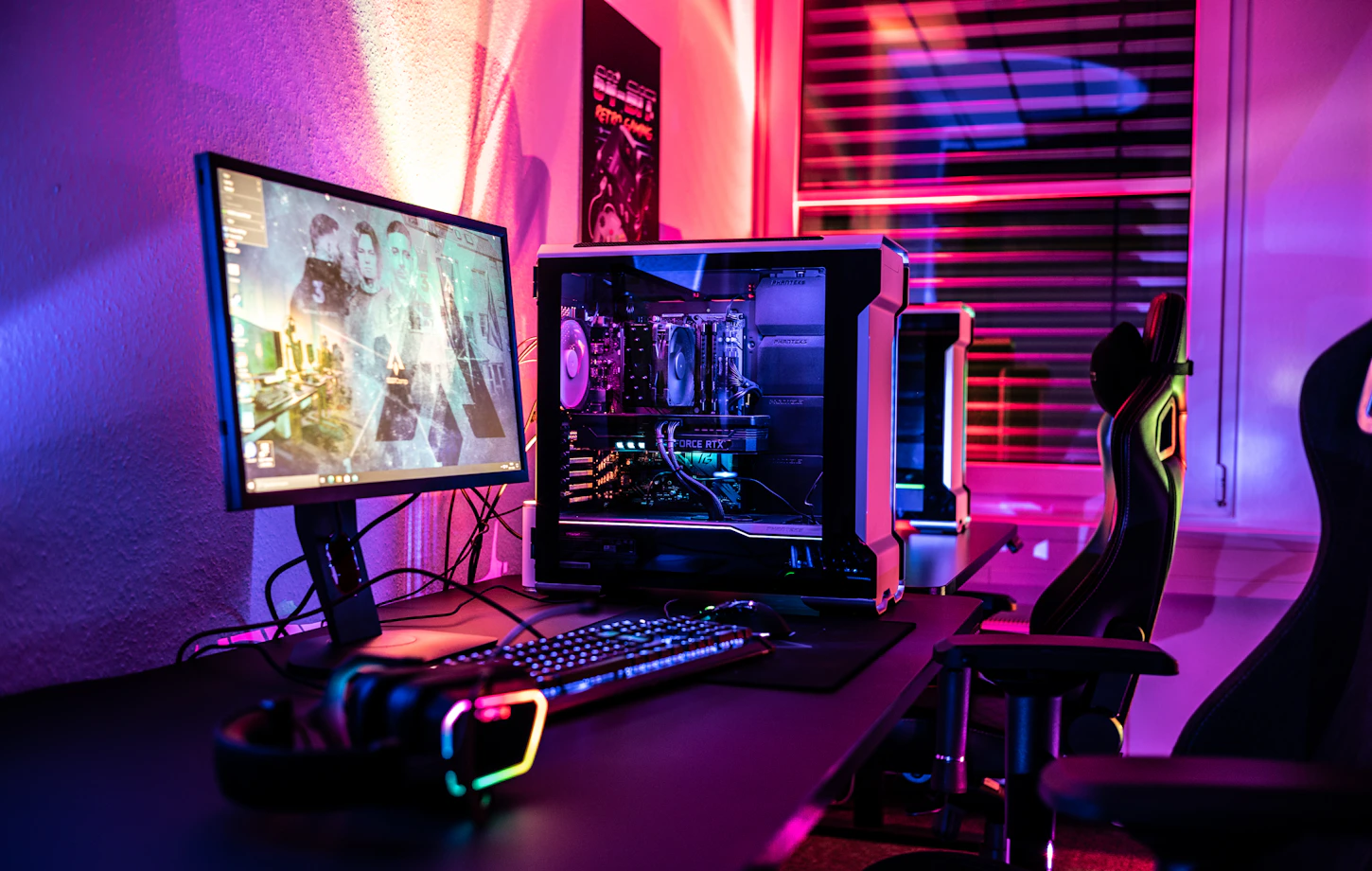
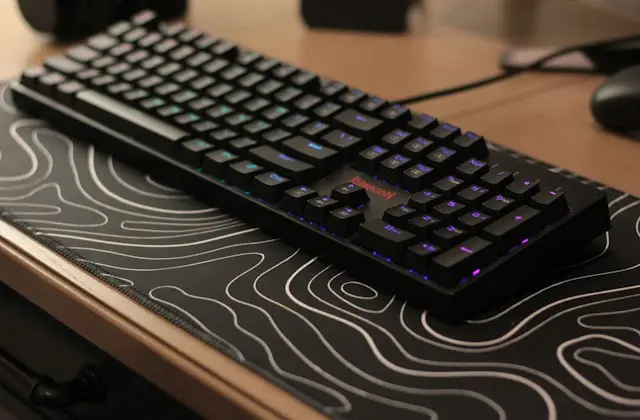
A great setup isn't about buying the most RGB. It's about a desk that keeps you comfortable, puts everything within reach and stays tidy enough that you actually enjoy sitting at it. Here's the order we'd build it in.
1. Comfort: chair and posture
You'll spend more hours in your chair than with any other part of the setup. Look for adjustable lumbar support, seat height and armrests that line up with your desk so your elbows rest at about 90 degrees. Feet should sit flat on the floor; use a footrest if your desk is high.
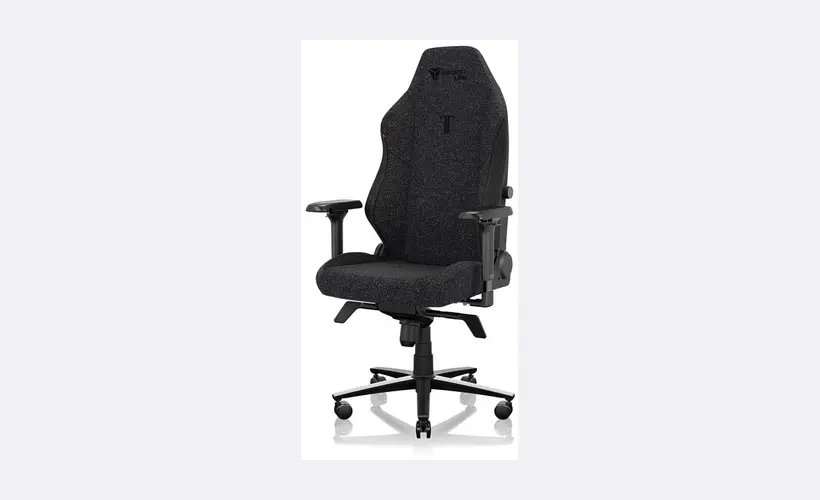
Secretlab TITAN Evo Gaming Chair
An ergonomic gaming chair with built-in lumbar support and 4D armrests.
Advantages
- Built-in adjustable lumbar support
- 4D armrests to line up with your desk
- Sold worldwide through Secretlab's regional stores
Disadvantages
- A significant investment
- Pick the right size for your height on the product page
Global or regional store. Availability, currency, duties and shipping depend on your country.
2. Surface: desk mat and mouse pad
An extra-large desk mat gives your keyboard and mouse one continuous surface, protects the desk and quietens typing. Competitive players who want faster glide can add a dedicated glass or speed pad on top.
 DESK UPGRADE
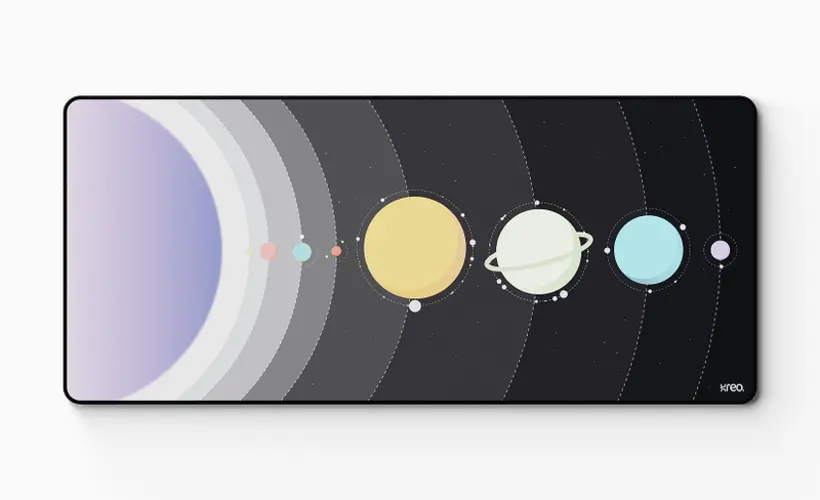
Terra XXL Deskmat — System of the Sun
An extra-large deskmat with a planetary print to anchor your setup.
Gaming / Desk Setup
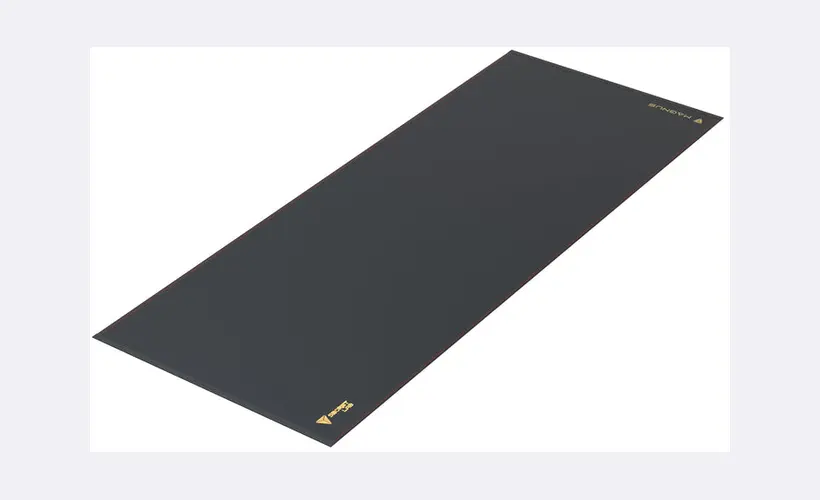 CLEAN DESK
Secretlab MAGPAD Desk Mat
A magnetic desk mat that keeps a large setup tidy.
Gaming / Desk Setup
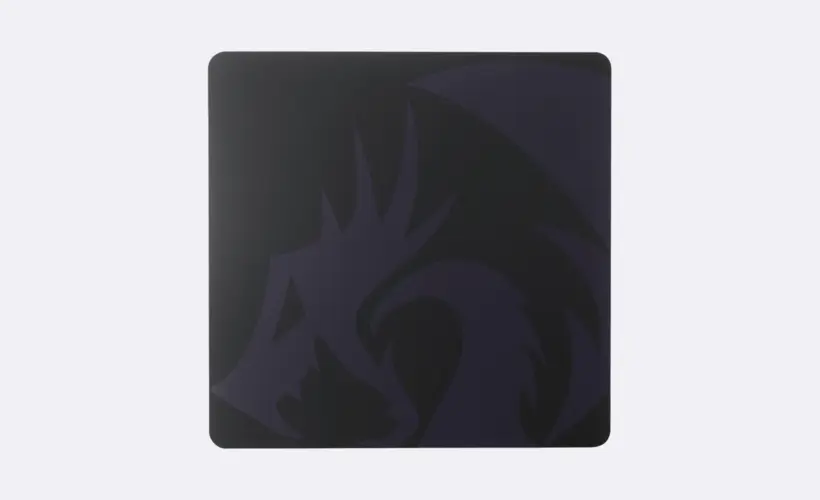 SPEED SURFACE
PG1M Pro Glass Gaming Mouse Pad
A glass mouse pad for smooth, consistent glide.
Gaming / Desk Setup
3. Screen and lighting
Place the top of your monitor at or slightly below eye level, roughly an arm's length away. A high-refresh monitor makes fast games feel smoother, while a portable second screen is handy for chat, guides or streaming tools. A monitor light bar lights the keyboard area without reflecting on the screen, which is easier on your eyes during late sessions.
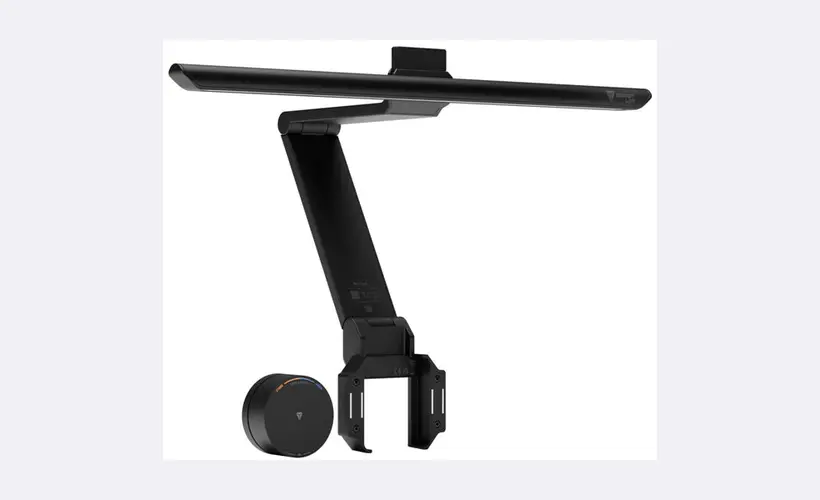 GLARE FREE
Secretlab ErgoArch Monitor Light Bar
A monitor light bar add-on that lights the desk without screen glare.
Technology / Desk Lighting
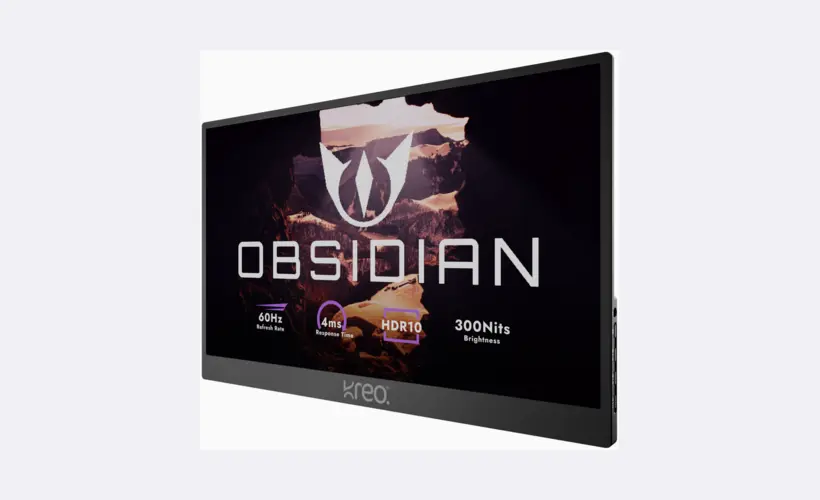 SECOND SCREEN
Obsidian 15.6" Portable Monitor
A slim, lightweight FHD portable monitor for travel and dual-screen setups.
Technology / Monitors
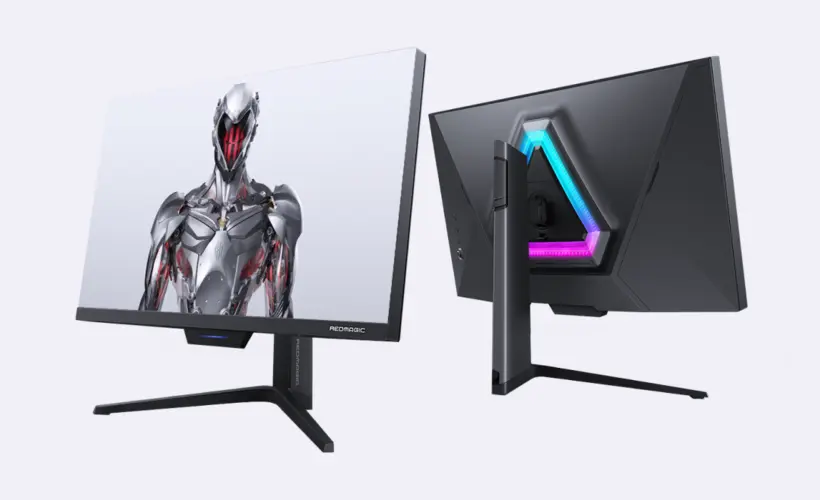 4K MINILED
REDMAGIC 4K Gaming Monitor
A 4K miniLED gaming monitor with a 160Hz refresh rate.
Gaming / Gaming Monitors
4. Core gear: keyboard, mouse, headset
These are the parts you touch every second, so each has its own guide:
5. Performance and network
If you game on a laptop, a cooling pad helps it hold performance during long sessions. A wired Ethernet connection is still the most stable choice for online play; if you rely on Wi-Fi, a modern router reduces congestion when several devices are online. Building from scratch? Gaming laptops like Lenovo's Legion range are an all-in-one starting point.
| Product | Upgrade | Why it matters | Priority | Price (region) | Store |
|---|---|---|---|---|---|
| Secretlab TITAN Evo Gaming Chair | Ergonomic chair | Posture and comfort over long sessions | High | See retailer International store | Secretlab |
| Terra XXL Deskmat — System of the Sun | XXL desk mat | Room for keyboard and wide mouse swipes | High | See retailer India store | Kreo |
| PG1M Pro Glass Gaming Mouse Pad | Glass mouse pad | Fast, consistent glide | Optional | US$64.99 USA, checked 25 Nov 2026 | Redragon |
| Secretlab ErgoArch Monitor Light Bar | Monitor light bar | Lights the desk without screen glare | Medium | See retailer International store | Secretlab |
| TUF Gaming BE3600 WiFi 7 Router | WiFi 7 gaming router | Lower lag and stable connection | Medium | See retailer India store | ASUS |
| Glace Laptop Cooler | Laptop cooler | Keeps gaming laptops cooler | If on a laptop | See retailer India store | Kreo |
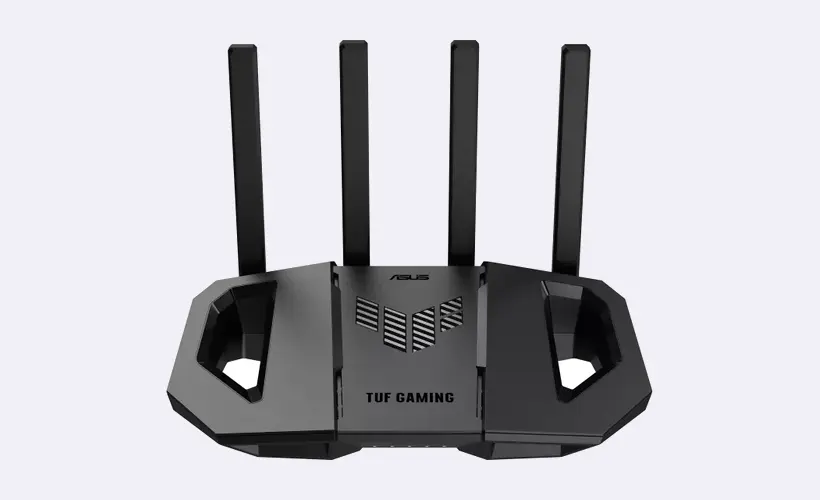 LOW LAG
TUF Gaming BE3600 WiFi 7 Router
A dual-band WiFi 7 gaming router with a Broadcom chip, 3-step port forwarding and AiMesh support.
Gaming / Gaming Routers
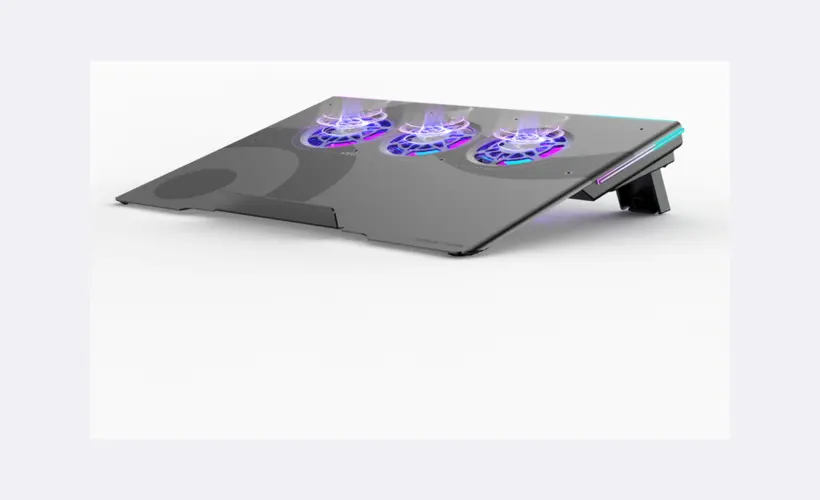 STAY COOL
Glace Laptop Cooler
A laptop cooling pad with RGB fans for long gaming sessions.
Gadgets / Laptop Coolers
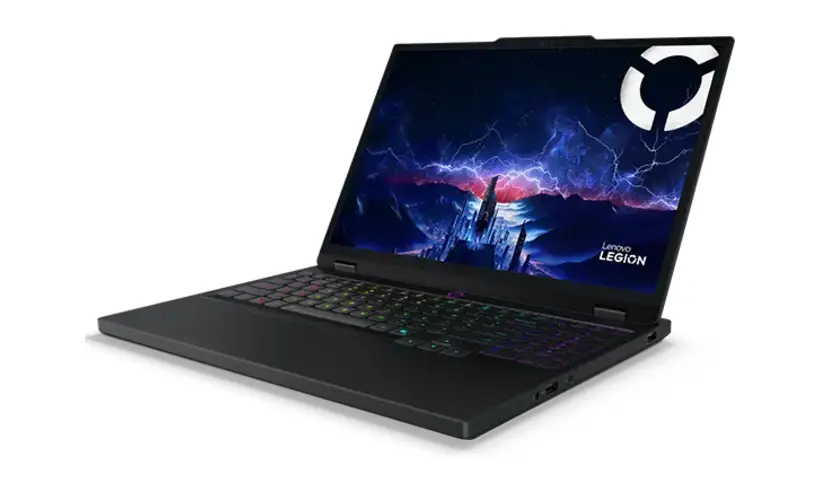 OLED GAMING
Lenovo Legion 5i Gen 10 (15" Intel)
A 15-inch OLED gaming laptop with an Intel Core Ultra 7 255HX and GeForce RTX 5060 in this configuration (83F0002BCL).
Gaming / Gaming Laptops
Buying advice
- Spend on what you touch and sit on. Chair, mouse, keyboard and headset first; decorative lighting last.
- Plan cable management early. A cable tray or a few hook-and-loop ties under the desk make a bigger visual difference than most accessories.
- Measure before you buy. Check your desk depth for monitor distance and mat size.
- Buy within your region. Local stores make warranty claims and returns much easier. Every APEXDRIP card shows the store's country and currency, and the regional pages collect offers for India, the USA, the UK, Chile and international stores.
How we choose products
We shortlist products from established brands with official stores in each region, compare published specifications and the features that matter for each use case, and only list prices we've checked on the retailer's own site, with the date shown. Prices and stock change, so always confirm the final price, delivery and warranty at checkout. Spotted something out of date? Tell us.